Edit Note
Basic:
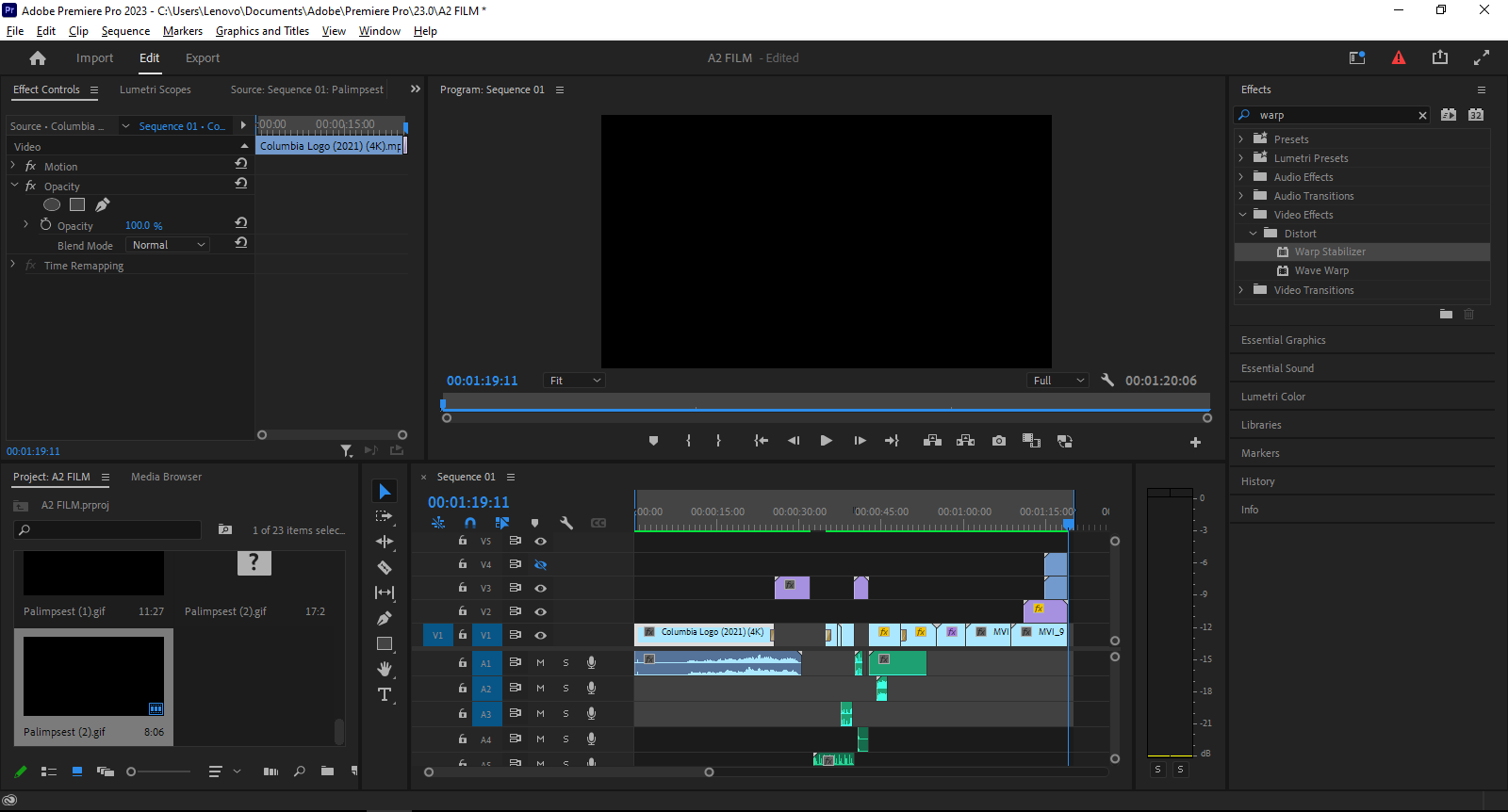
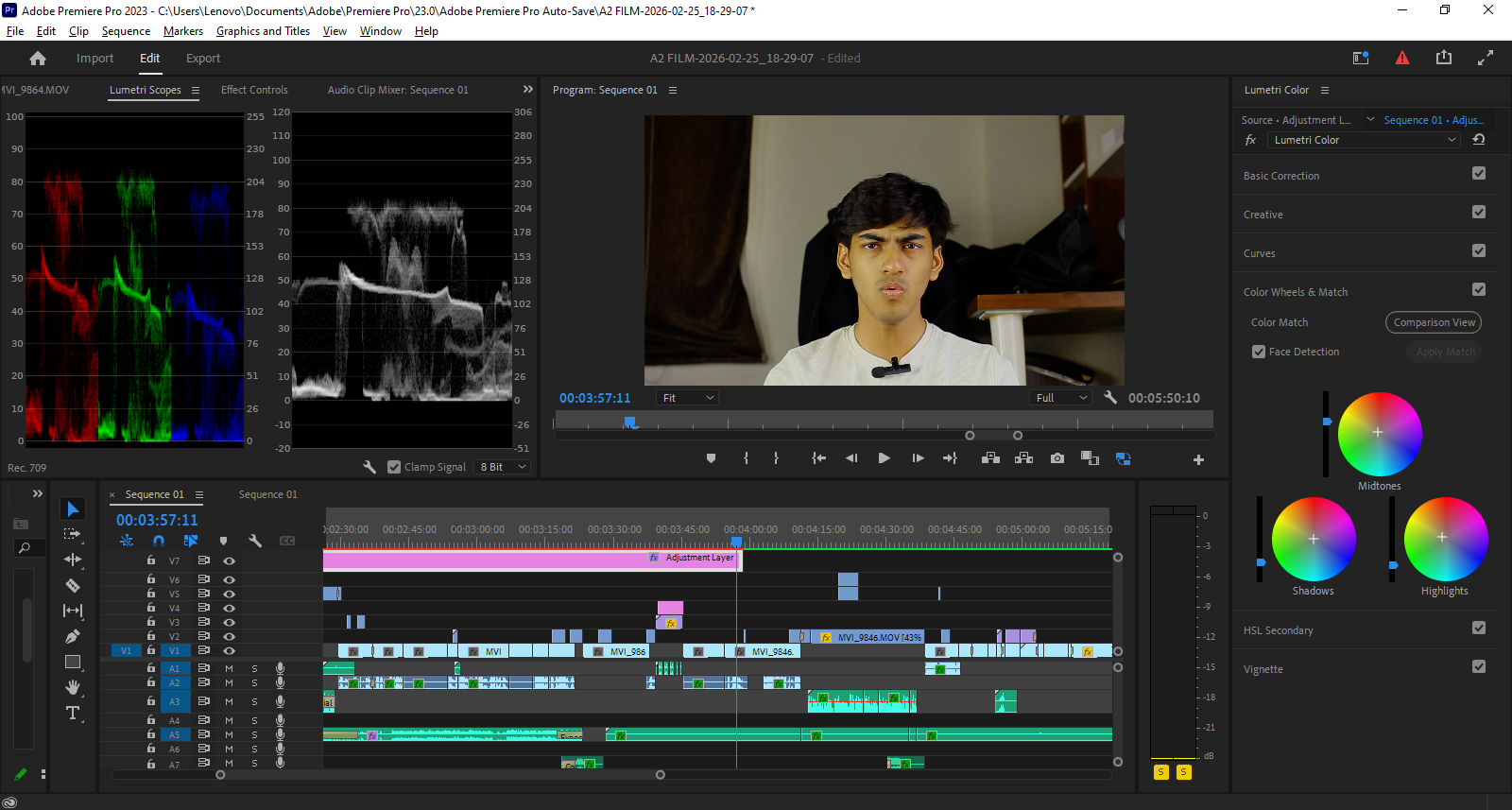
As i was not recording in a LOG camera, I have applied Cineon-Converte effect on all the clips to enhance the colors. For smooth scenes Warp-stabilizer is applied to all clips with smooth motion subspace warp activated.
Masking:
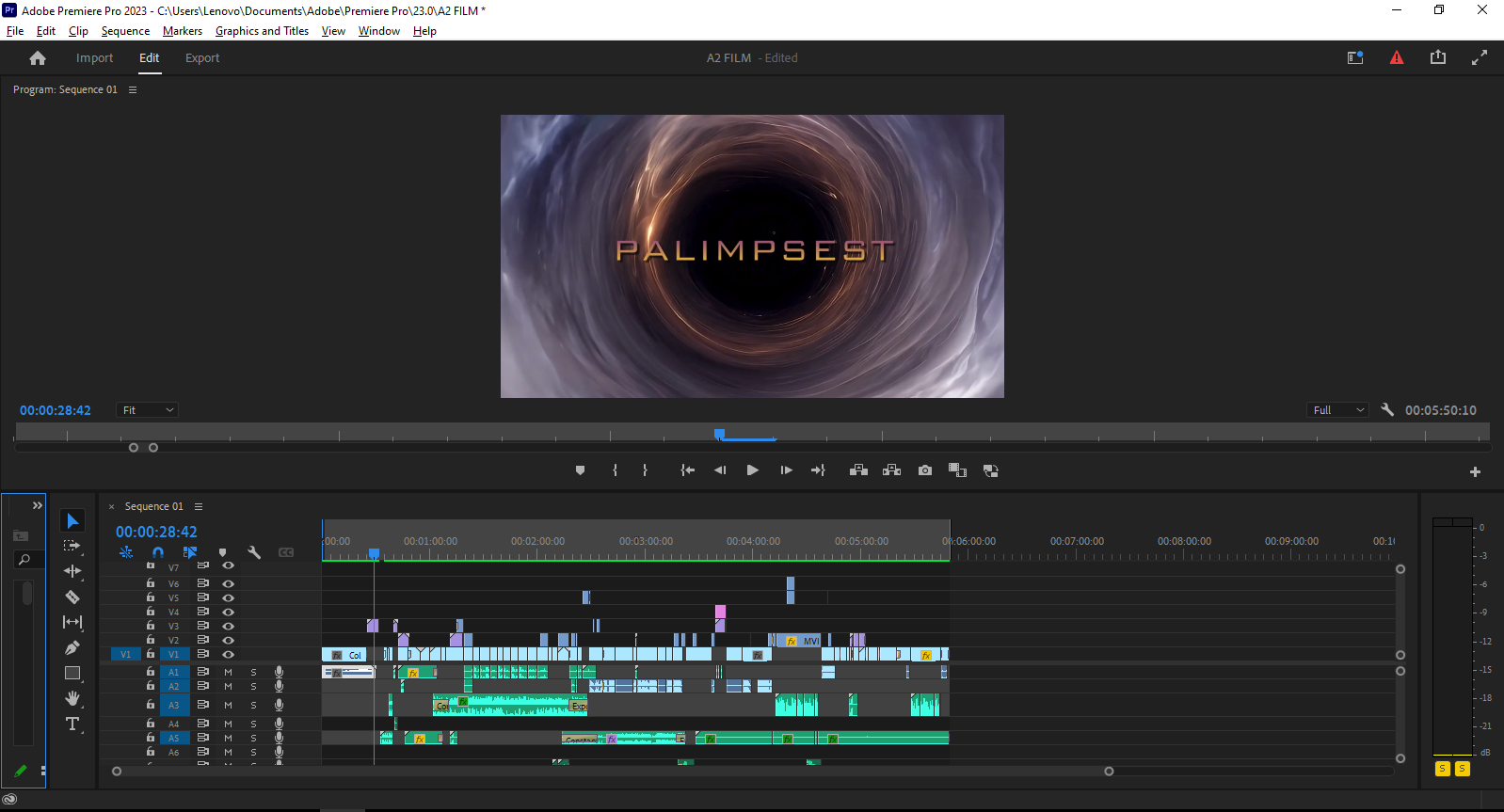
As in my film both characters are played by the same actor, I had recorded multiple shots with static frames, each time with different characters and to show both of them in one frame at the same time I have used Opacity from the effects panel to mask the overlay clips. The same technique is used in the portal shots. I have recorded static multiple frames, one with an empty frame and one with the character, then overlaid three shots and masked them.
Video/Audio Transitions:
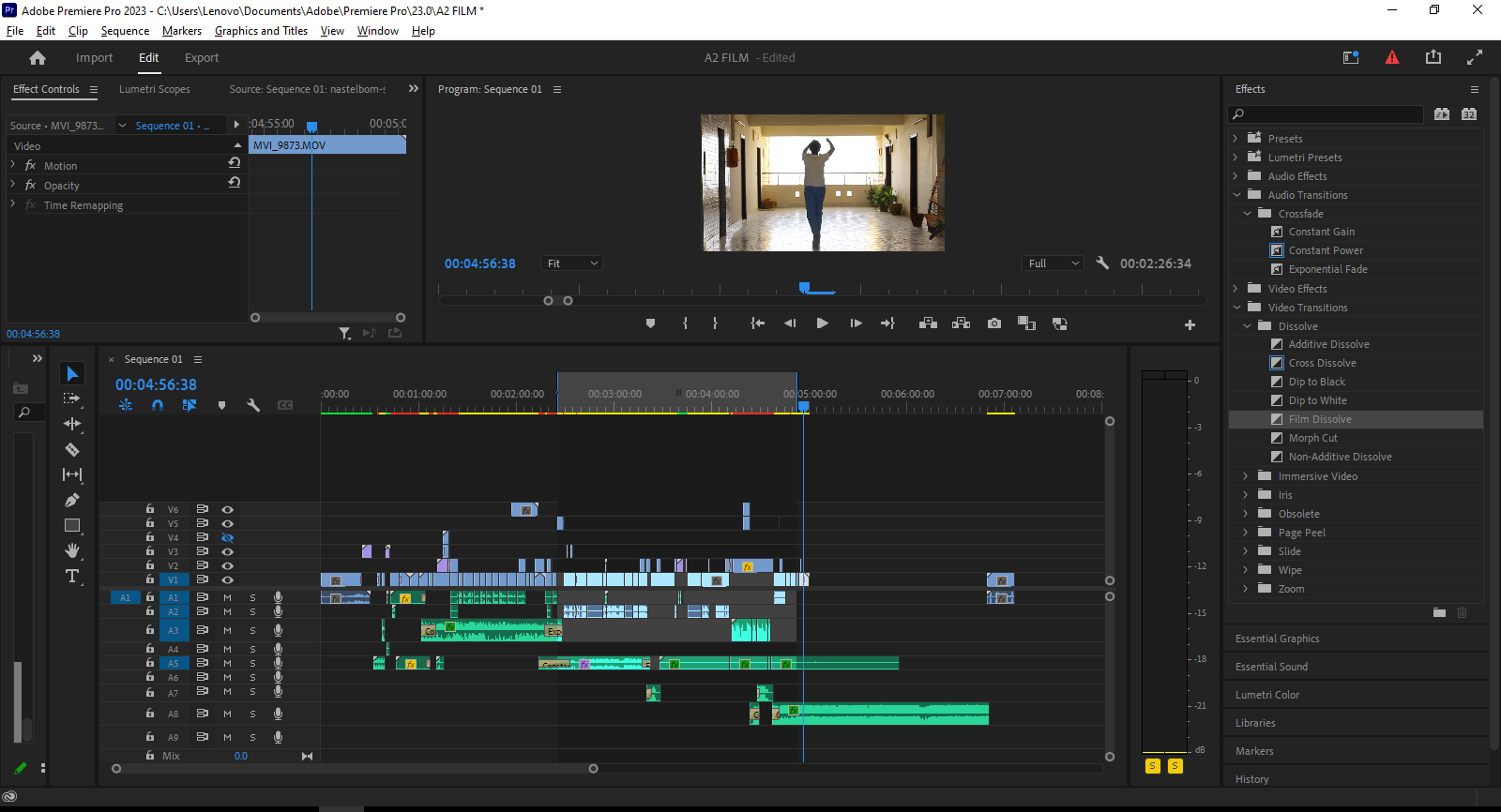
For smooth transitions from one to another shot mostly I have used Film dissolve and cross dissolve. For shots leading to text frames and the end shot I have used the Dip to Black effect. For Emerging background music Constant Gain effect is used and for dissolving or low ending Constant fade effect is used.
Audio Setting:
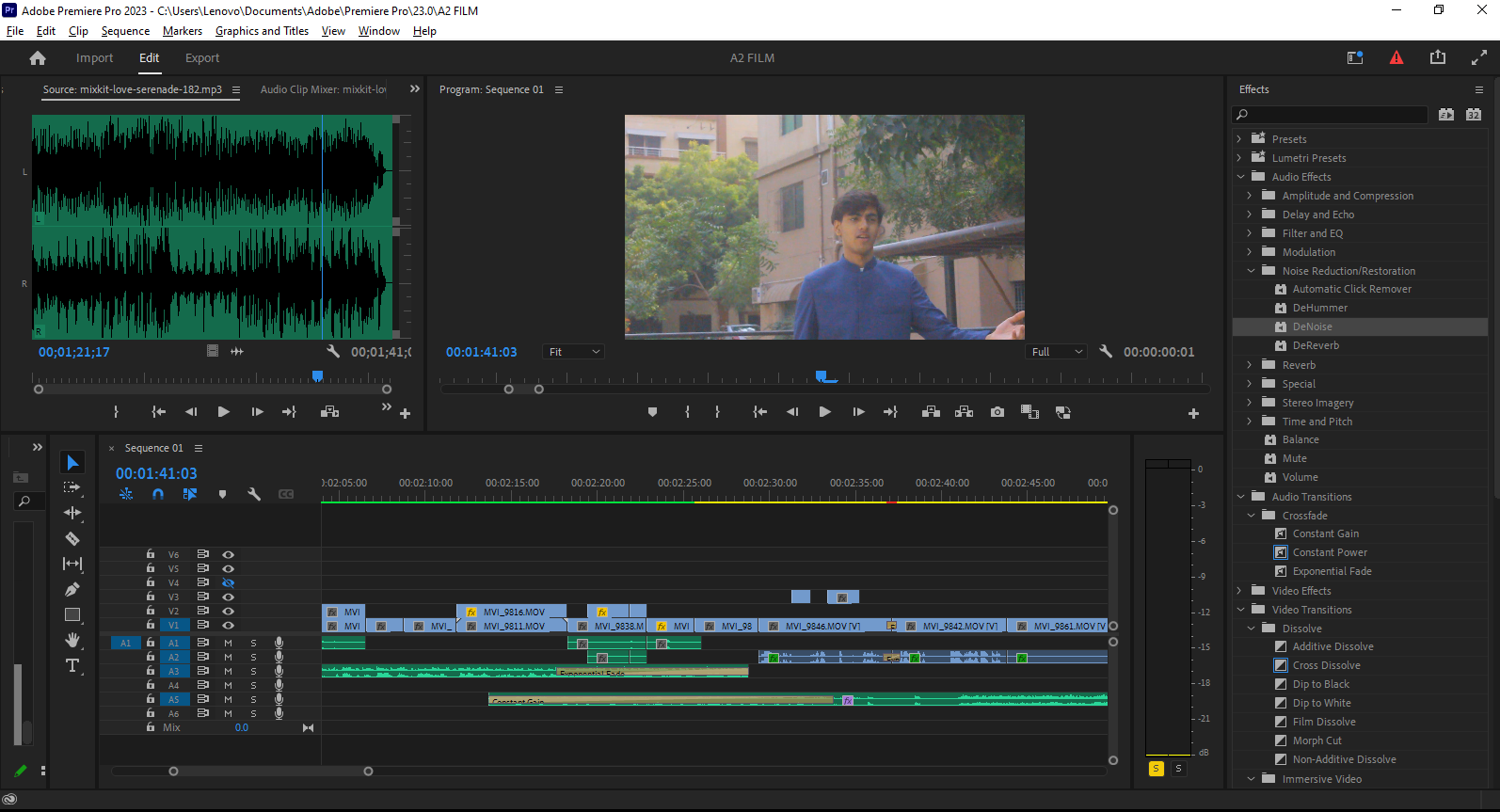
For all background music I have used Music ducking from essential sound and ducked the Music against all Dialogues and SFX. All the Dialogues are equalized for clear and crisp dialogues. For the outdoor dialogues due to wind the audio was too noisy, for that I have denoised all outdoor dialogues from essential sound.
Color:
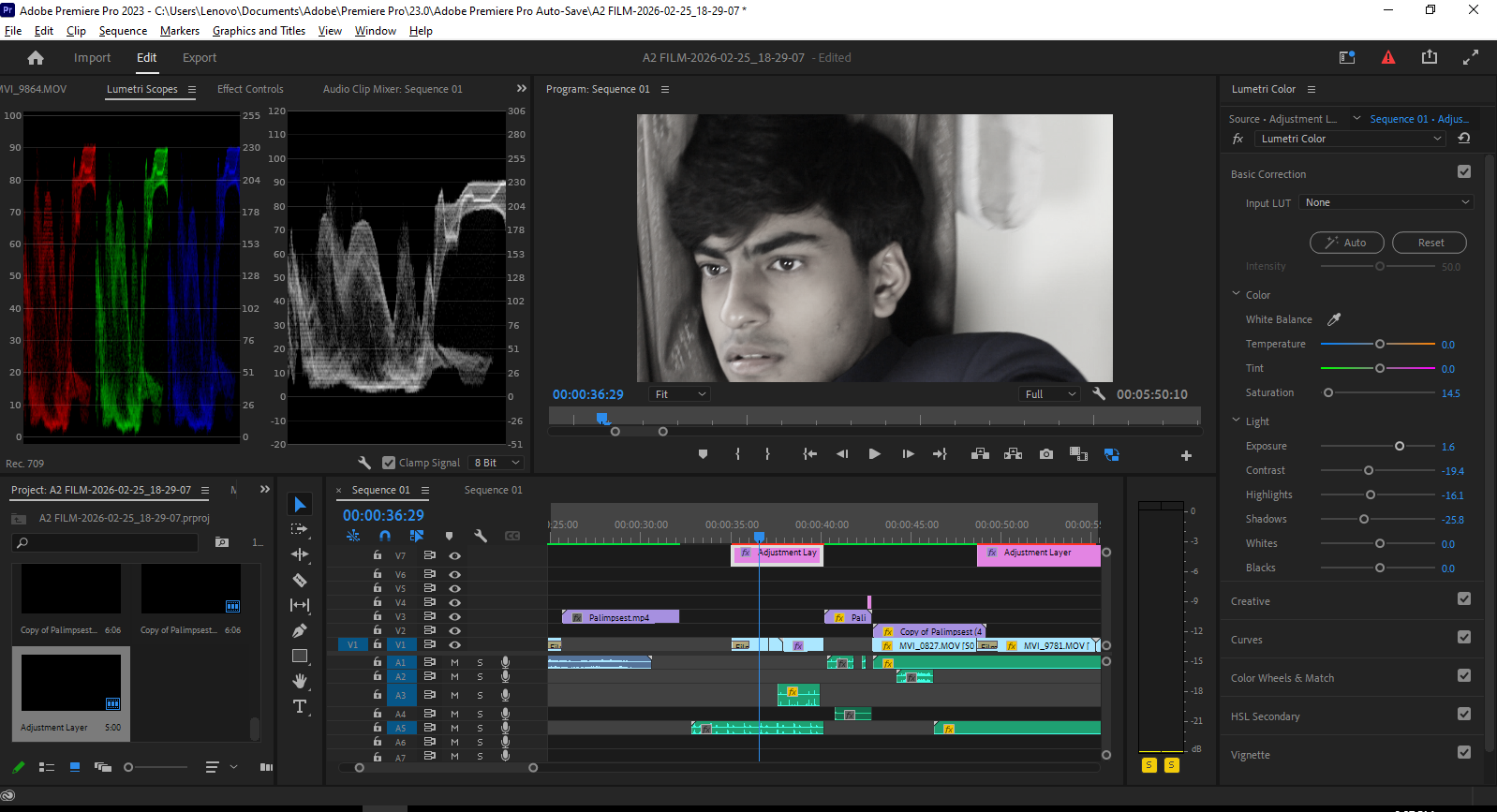
The opening scenes were non-linear in the time line and to clarify that, I have reduced the saturation for those shots to 0. For the rest of the scenes I have created an adjustment layer which was color graded to give a green yellow color to the film. The adjustment layer was applied to all the scenes and each scene was individually color corrected to balance the overall look of the film.